

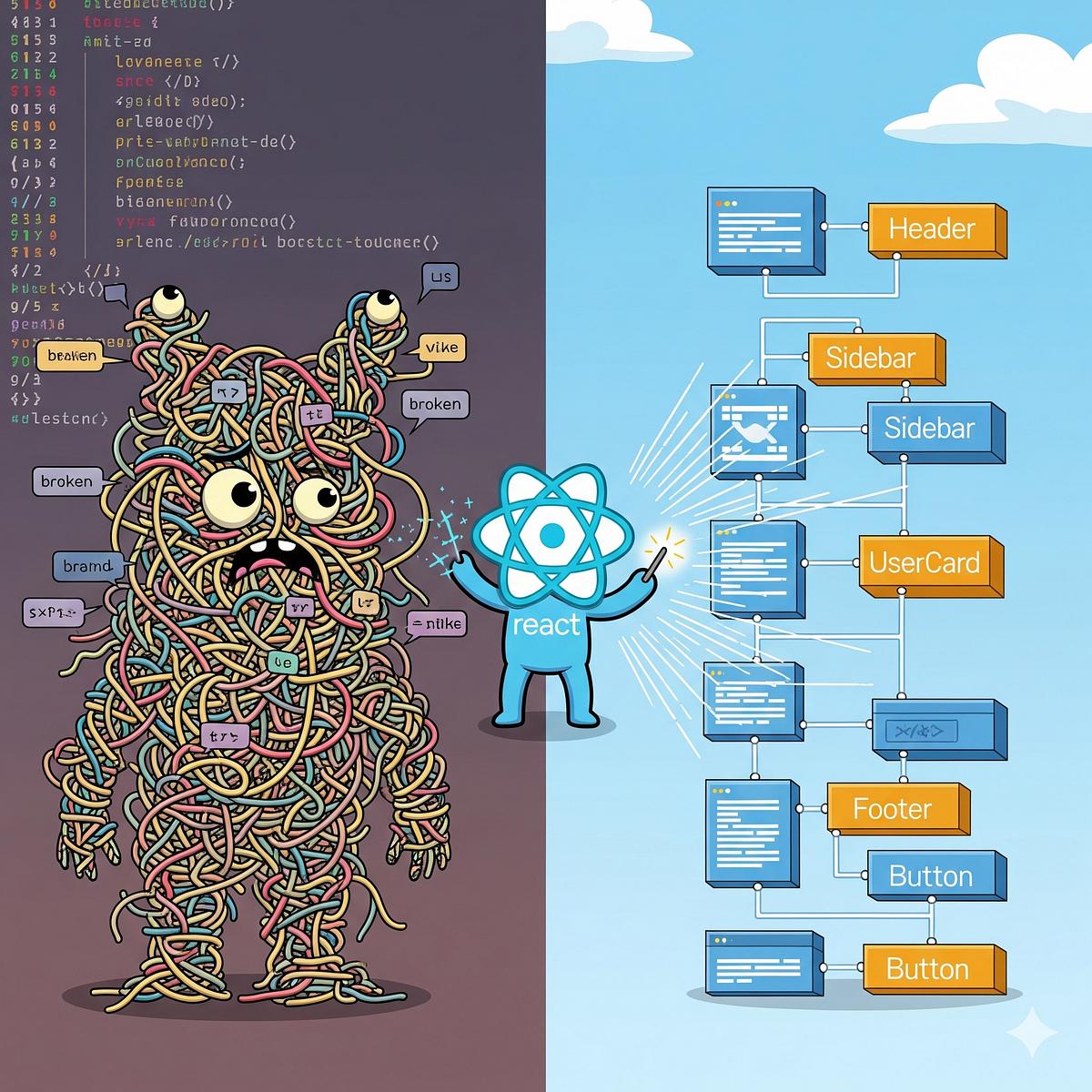
The Component That Tried to Do Everything
6 min read
By Vishal Patil
open source

It started with a simple page
Imagine you're building an e-commerce dashboard with Next.js.
The requirement is simple:
"Create a page that displays our products."
With the App Router, you might start with:
// app/products/page.tsx

export default async function ProductsPage() {
  const products = await getProducts();

  return (
    <div>
      <h1>Products</h1>

      {products.map((product) => (
        <div key={product.id}>
          <h3>{product.name}</h3>
          <p>₹{product.price}</p>
        </div>
      ))}
    </div>
  );
}
Simple.
Clean.
And because App Router pages are Server Components by default, data fetching can happen on the server without turning the whole page into a Client Component.
Then the requests start coming in.
"Can we add search?"
"Add filters."
"Let admins edit products."
"Add a delete confirmation."
"Show a loading spinner."
"Add toast notifications."
"Track analytics."
"Can we make the table interactive?"
And suddenly...

Your simple page has become responsible for:
ProductsPage
│
├── Data fetching
├── Search
├── Filters
├── Sorting
├── Pagination
├── Form handling
├── Validation
├── Delete logic
├── Modal state
├── Toasts
├── Analytics
└── UI rendering
The component tried to do everything.
The real Next.js problem
With Next.js, there is an extra architectural question:
Does this logic belong on the server or the client?
That's one of the biggest differences between a modern Next.js application and a traditional React SPA.
In the App Router, components are Server Components by default. You opt into Client Components when you need client-side interactivity such as state, event handlers, or browser APIs.
So instead of thinking:
"How can I put everything inside this component?"
Think:
"Where should each responsibility live?"
🧱 Start separating responsibilities
Let's take our product dashboard again.
Instead of:
ProductsPage
│
├── Fetch products
├── Search
├── Filter
├── Product UI
├── Delete
├── Edit
└── Modal
we can create clearer boundaries:
ProductsPage
│
├── ProductFilters
├── ProductList
│   └── ProductCard
├── ProductForm
└── DeleteProductButton
And our project could look something like:
app/
│
├── products/
│   ├── page.tsx
│   └── loading.tsx
│
├── ui/
│   └── products/
│       ├── product-list.tsx
│       ├── product-card.tsx
│       ├── product-filters.tsx
│       ├── product-form.tsx
│       └── delete-product-button.tsx
│
└── lib/
    ├── data.ts
    └── actions.ts
This follows the kind of separation used in the official Next.js App Router examples, where routes live under app, reusable UI is separated, and data-access functions can live in a dedicated area.
🖥️ Keep data fetching on the server
Here's where Next.js becomes particularly useful.
Instead of:
"use client";

useEffect(() => {
  fetch("/api/products");
}, []);
you can fetch data directly in a Server Component when appropriate:
// app/products/page.tsx

import { getProducts } from "@/app/lib/data";

export default async function ProductsPage() {
  const products = await getProducts();

  return <ProductList products={products} />;
}
Server Components can use async/await for data fetching without needing useEffect or useState. They can also keep server-only logic and secrets away from the browser.
So the responsibility becomes:
ProductsPage
      │
      ↓
getProducts()
      │
      ↓
Database / API
      │
      ↓
ProductList
Much cleaner.
⚡ But what happens when the UI needs interaction?
Now imagine your product table needs a Delete button.
Deleting something requires an action, but the button itself needs to respond to a user interaction.
This is where separating the server and client responsibilities becomes useful.
"use client";

export function DeleteProductButton({ id }: { id: string }) {
  return (
    <button>
      Delete
    </button>
  );
}
The interactive button can remain a small Client Component rather than turning the entire product page into one.
Next.js specifically recommends keeping Client Components focused on the interactive parts of the UI where possible.
Think of it as:
                    ProductsPage
                  Server Component
                         │
              ┌──────────┴──────────┐
              ↓                     ↓
        ProductList          DeleteButton
        Server UI             Client UI
The page doesn't need to become client-side just because one button is interactive.
🚀 Where Server Actions fit in
Now we need to actually delete the product.
Instead of putting a large API layer into our component, we can use a Server Action.
// app/lib/actions.ts

"use server";

export async function deleteProduct(id: string) {
  await db.product.delete({
    where: { id },
  });
}
Then the interactive component can invoke the action.
"use client";

import { deleteProduct } from "@/app/lib/actions";

export function DeleteProductButton({
  id,
}: {
  id: string;
}) {
  return (
    <button onClick={() => deleteProduct(id)}>
      Delete
    </button>
  );
}
Server Actions allow asynchronous server-side code to be invoked from components and are integrated with Next.js data/cache revalidation patterns.
The important idea isn't simply:
"Use Server Actions."
It's:
Don't make the UI responsible for the entire data mutation architecture.
🧠 Then comes state
Here's another common mistake.
Suppose the product page has:
Search
Filter
Sort
Pagination
Selected Product
Delete Modal
It's tempting to create a giant collection of:
useState(...)
useState(...)
useState(...)
useState(...)
useState(...)
inside one Client Component.
But not every piece of state needs to live there.
For example, things such as search and pagination can often be represented in the URL.
/products?query=laptop&page=2
Now the URL itself describes the current view.
Next.js supports reading URL search parameters in App Router pages, which is useful for search and pagination patterns.
That means:
Browser URL
     │
     ↓
Search Params
     │
     ↓
Server Component
     │
     ↓
Database Query
     │
     ↓
Filtered Results
Instead of keeping everything inside client-side state.
🌀 And don't forget loading states
Here's another place where our original component starts getting complicated.
We need:
Loading
Success
Empty
Error
A common mistake is putting all of this inside one giant component.
Next.js App Router gives you special files such as:
loading.tsx
error.tsx
not-found.tsx
to help structure these states at the route level.
For example:
products/
│
├── page.tsx
├── loading.tsx
└── error.tsx
Now your route has an explicit structure for different UI states rather than one enormous conditional block.
🧩 The transformation
So our original component:
❌ ProductsPage
│
├── Fetch
├── Search
├── Filters
├── Forms
├── Delete
├── Modal
├── Loading
├── Errors
└── UI
becomes:
✅ products/
│
├── page.tsx
├── loading.tsx
├── error.tsx
│
├── ui/
│   └── products/
│       ├── ProductList
│       ├── ProductCard
│       ├── ProductFilters
│       ├── ProductForm
│       └── DeleteButton
│
└── lib/
    ├── data.ts
    └── actions.ts
And now every piece has a clearer job.
⚠️ But don't go too far
There's another trap:
Over-engineering.
You don't need this:
Button
   ↓
ButtonWrapper
   ↓
ButtonContainer
   ↓
ButtonController
   ↓
ButtonService
   ↓
ButtonFactory
for a simple button.
The goal isn't to create as many files as possible.
The goal is to create useful boundaries.
A component deserves to be separated when it has:
- a clear responsibility
- meaningful reuse
- independent interaction
- complex logic
- a different server/client requirement
- a reason to be tested or maintained separately
🎯 The Next.js rule of thumb
When building a new feature, ask these questions:
1. Does it need browser interaction?
If yes, consider a Client Component.
2. Can the data be fetched on the server?
If yes, keep that work in a Server Component/server-side data layer when appropriate.
3. Is this a mutation?
Consider whether a Server Action is a good fit.
4. Is this state really UI state?
If it's search, filters, pagination, or something shareable/bookmarkable, consider whether the URL should represent it.
5. Does this UI state belong to the whole page?
If not, don't make the whole page responsible for it.
The component wasn't bad. It just grew.
That's the important part.
Our original ProductsPage wasn't poorly written.
It was simply given:
one responsibility...
then another...
then another...
until it became the place where everything happened.
And that's how many frontend codebases slowly become difficult to maintain.
Next.js gives us powerful boundaries—Server Components, Client Components, layouts, loading/error files, server-side data fetching, and Server Actions—but the developer still has to decide where those boundaries should exist.
So the next time a component starts growing, don't immediately ask:
"How many lines is this?"
Ask:
"How many responsibilities does this component have?"
Because the problem isn't a big component.