GeoServer Setup
Before using VistaBridge, the administrator must first configure GeoServer by:
- Adding the required layers
- Creating layer groups
- Creating users and roles
- Assigning appropriate access permissions
- Creating workspaces
Once these resources are configured in GeoServer, they will be available in VistaBridge, allowing users to access and perform the permitted operations based on their assigned roles and permissions.
For installation, administration, and configuration details, refer to the official GeoServer Portal.
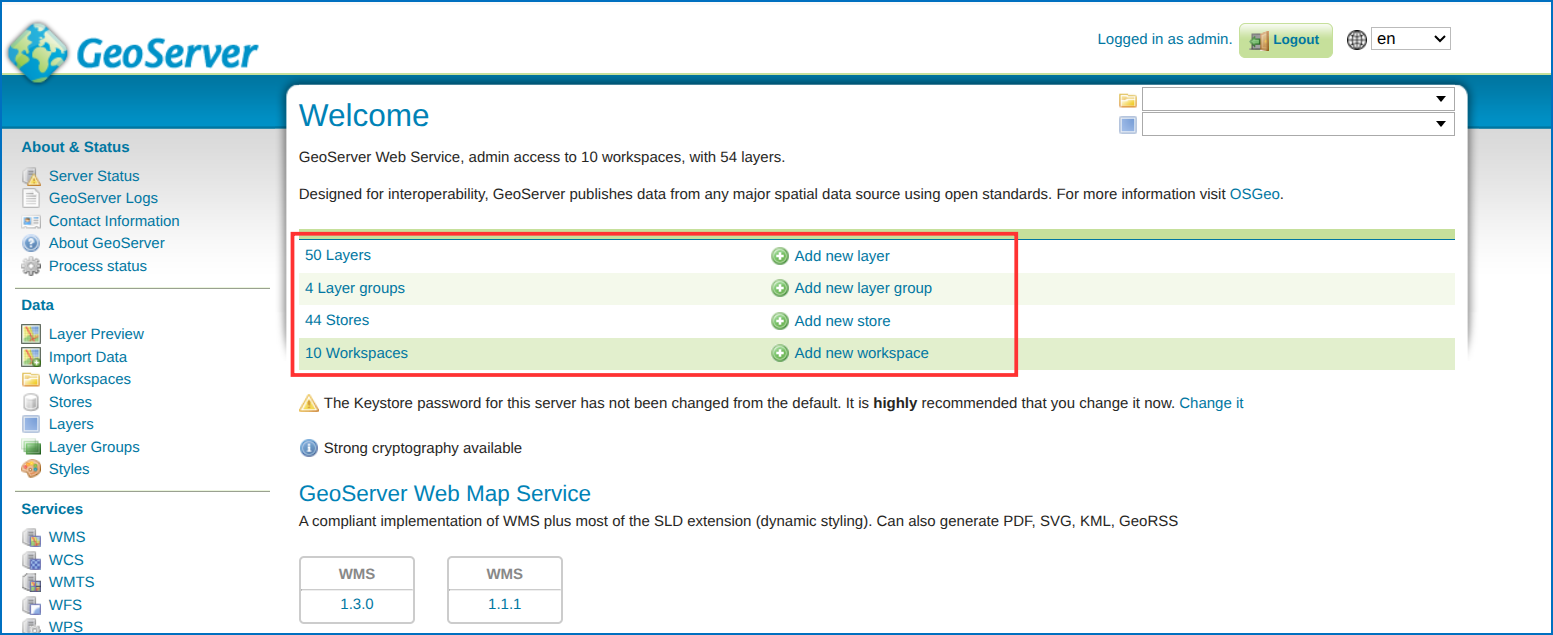 Figure: GeoServer Layers and Workspaces Overview