Sign In
To access VistaBridge, open the application login page in your web browser: https://vistabridge.rottengrapes.tech/login
User Authentication
Sign in using the username and password associated with the user account created in GeoServer:
- Enter a valid Username.
- Enter the corresponding Password.
- Click Sign In.
- Upon successful authentication, you will be logged in to VistaBridge.
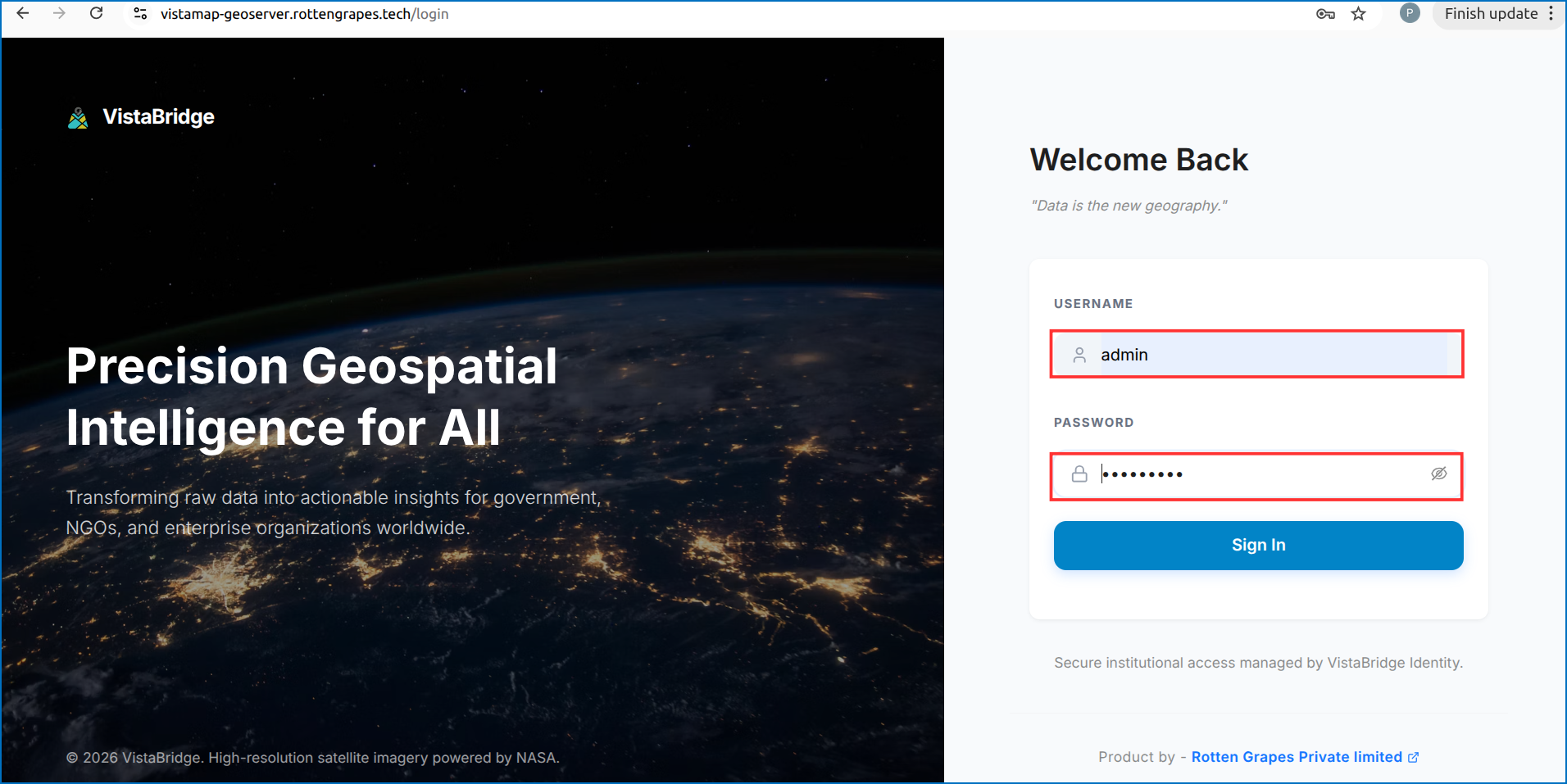 Figure: VistaBridge Login Screen